Cloud infrastructure
interface for agents
Deploy real infrastructure to your own AWS, GCP, or Azure account.
Provision, scale, and operate everything from a single place.
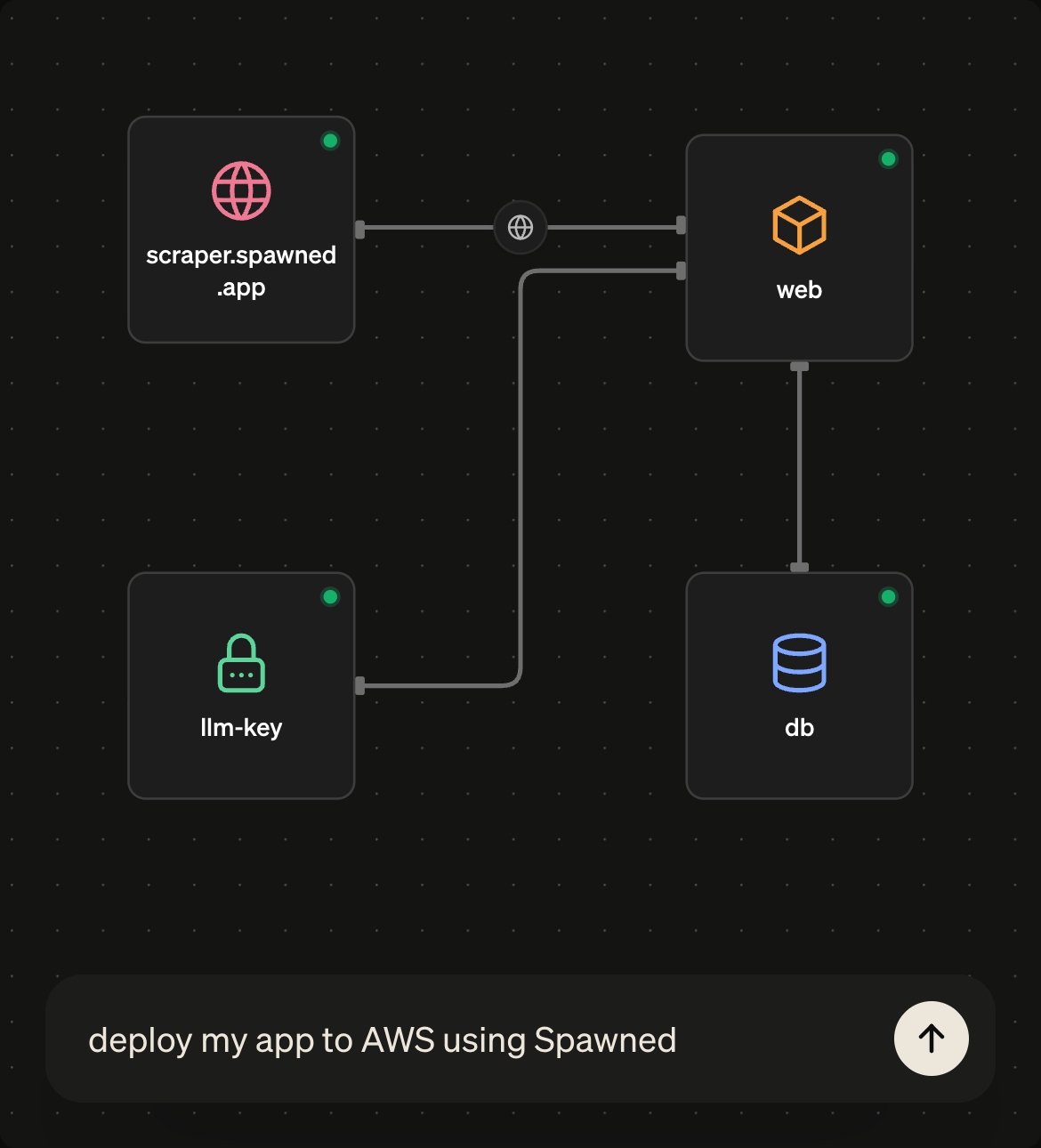
Deploy anything, on infrastructure you own
Everything runs as real cloud infrastructure you own, exportable and Terraform-compatible from the start. You stay because Spawned is the easiest way to manage your cloud, not because you’re locked in.
Your agent becomes your infra engineer
Spawned is built on a cutting-edge declarative framework, that allows agents to build in your cloud, while you know exactly what you have. Never have to worry about galloping cloud bills, misconfigurations, or hallucinated components that gets forgotten.
Everything in one place
Deployments, environments, logs, and policy controls in one operational surface, instead of navigating complex cloud consoles. Resources are grouped by project and fully versioned, so you always know exactly what you have.

Don't have a Cloud account? Use ours!
On selected clouds we offer managed versions for you to host on. Some capabilities are limited, to keep the shared cloud safe, but this is the easiest way to try out Spawned, while also getting the benefits of uptime and scaling of the hyperscaler clouds.
| Cloud | Bring your own | Managed option |
|---|---|---|
 AWS AWS | Yes | Yes |
 Kubernetes(your cluster) Kubernetes(your cluster) | Yes | — |
 Google Cloud Google Cloud | Yes | — |
 Azure Azure | Closed beta | — |